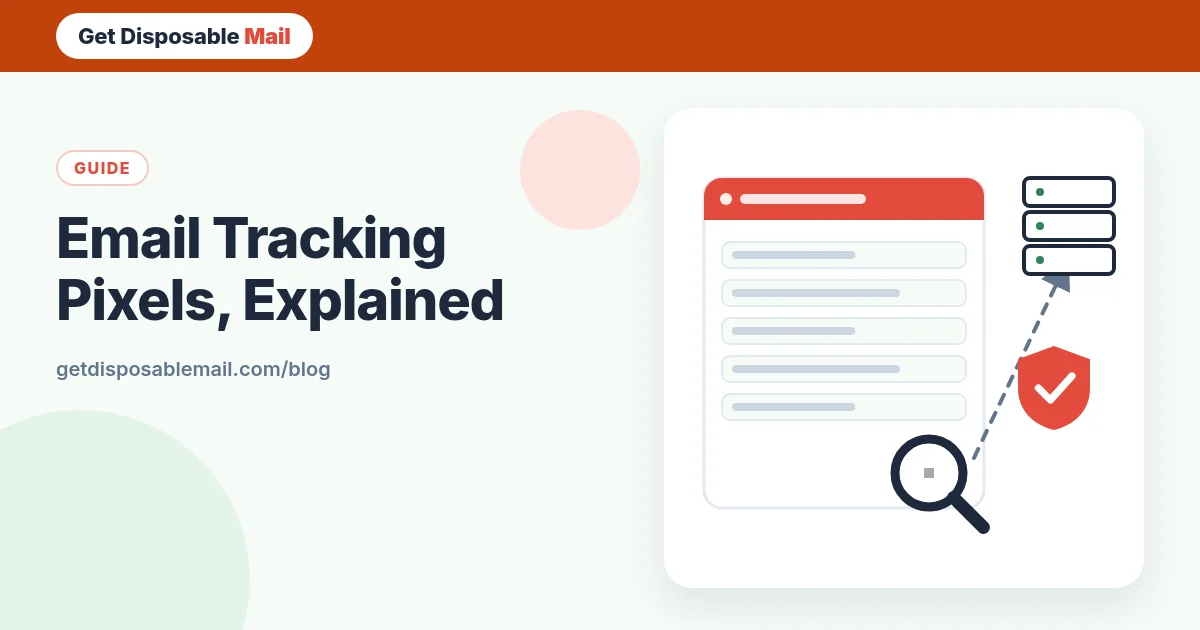
Most marketing emails, many newsletters and a surprising number of personal messages sent through “sales” tools contain something you never see: a tracking pixel. It’s an image so small it’s invisible, and its only job is to tell the sender that you opened the message.
That sounds harmless until you add up what one image request can reveal. This guide explains how tracking pixels work, what they can and can’t tell a sender, and the practical ways to stop them — including how our temporary inbox handles them.
How a tracking pixel works
An HTML email can include images hosted on the sender’s server rather than attached to the message. When your mail app shows the email, it fetches those images over the internet. A tracking pixel is just one of these remote images, usually 1×1 pixel and transparent, with a web address that is unique to you and to that message — something like a long random string at the end of the URL.
When the image is requested, the sender’s server logs the request. Because the URL is unique, the log entry says “recipient X opened campaign Y”. The general technique is called a web beacon, and it’s been used on web pages and in email for decades.
What a pixel can reveal
- That you opened the email — and that your address is active and read by a human, which makes it more valuable to spammers and list sellers.
- When you opened it, and how many times.
- Your approximate location, derived from the IP address that fetched the image (unless something hides it).
- Your device and mail app, from the request headers.
- Forwarding, if the same unique pixel is suddenly opened from a different location.
What it can’t do
A pixel can’t read your other emails, install anything, or see your files. It can’t reveal your name unless the sender already knows it. And it only works if your mail app loads remote images. That last point is what makes it easy to defeat.
Tracking also isn’t limited to images. Links in commercial email are often rewritten to pass through the sender’s click-tracking server first, so the sender learns which link you opened. Blocking images doesn’t stop that.
Why it matters even if you have nothing to hide
Open tracking is often used for ordinary reasons: measuring newsletter engagement or cleaning inactive subscribers. But the same data confirms to bad actors that an address is live, tells a cold-email sender exactly when to follow up, and can show roughly where you are. Phishing campaigns use it too, to see which targets are engaged. If you prefer not to report back every time you read something, it’s reasonable to switch it off.
How to block tracking pixels
The principle is simple: don’t let your mail app fetch remote content automatically, or let a privacy proxy fetch it for you.
In Gmail
Gmail scans and serves images through its own systems, which Google says stops senders from using image loading to learn about your computer or location or to set cookies. It also notes that senders may still know whether you opened an email with an image. To stop that, go to Settings → See all settings → Images and choose Ask before displaying external images. Google’s help page on turning images on or off has the exact steps.
In Apple Mail
On iOS 15, iPadOS 15 and later, and on recent macOS, Apple Mail offers Mail Privacy Protection, found in Mail’s Privacy Protection settings. Apple says it hides your IP address so senders can’t determine your location or link it to your other online activity, and Mail loads remote content privately instead of from your own connection. Open-tracking numbers for people using it become unreliable for senders.
In Outlook and other apps
Most desktop and mobile clients have a setting along the lines of “Don’t download pictures automatically” or “Block remote content”. Look in the privacy or trust settings. Third-party privacy extensions can also strip known trackers from webmail.
In a temporary inbox
This is where disposable email shines. On GetDisposableMail remote images are blocked by default and every message is shown in a sandboxed frame. Opening a sign-up confirmation doesn’t tell the sender anything through a pixel, and because the address is used once and deleted after 24 hours, there’s no long-term profile tied to your real inbox to build on.
If you need to see an image to understand a message, you can choose to load it — just know that this lets the usual tracking happen for that one message.
Habits that limit tracking further
- Turn off automatic remote images in your main mail app.
- Hover over or long-press links to see where they really go; avoid opening links in emails you didn’t expect.
- Don’t click “unsubscribe” in obvious spam — it confirms your address is active. Use it only for legitimate senders you recognise.
- Use temp mail for one-off sign-ups and an alias for accounts you keep, so tracking can’t follow one address across your whole online life. Our disposable vs alias guide compares the options.
- Prefer plain-text view when a client offers it.
What about the law?
Rules differ by jurisdiction. In the UK and EU, regulators generally treat storing or accessing information on your device through email pixels in the same way as cookies, meaning non-essential tracking usually needs consent. Other countries are less strict. Whatever the rules where a sender is based, you’re entitled to block remote content on your own device.
If you send email yourself
If you run a newsletter or an app, be honest about tracking in your privacy notice, consider turning open tracking off for transactional messages like password resets, and don’t rely on open rates as a precise metric — privacy features in major mail apps already make them noisy. And if you’re testing how your own emails render, a disposable inbox with images blocked shows you what a privacy-conscious reader actually sees.
Frequently asked questions
What is an email tracking pixel?
It’s a tiny, usually invisible image embedded in an email. Each recipient gets a unique image URL, so when your mail app downloads the image, the sender’s server learns that this particular message was opened — and roughly when, from where and on what kind of device.
Does blocking images stop all email tracking?
It stops open tracking through pixels, which is the most common kind. It doesn’t stop click tracking: links can still be unique to you and redirect through the sender’s server. Check where a link really points before you open it.
Does GetDisposableMail block tracking pixels?
Yes. Our inbox doesn’t load remote images by default and shows HTML in a sandbox, so opening a message doesn’t ping the sender’s tracking server. If you choose to load images for a message, the usual tracking can happen for that message.
Are tracking pixels legal?
Rules vary by country. In the UK and EU, regulators treat tracking pixels in email much like cookies, generally requiring consent for non-essential tracking. Elsewhere the rules can be looser. Either way, you’re free to block them in your own mail app.
Can I tell if an email contains a tracking pixel?
Not easily by looking — the image is often 1×1 pixel and transparent. Signs include an “images blocked” banner on an otherwise text-only email, or very long, unique-looking image URLs if you view the message source.