Most people open a temporary inbox for one reason: a website wants to send a code or a link before it lets them continue. The whole visit lasts a minute. When it works, nobody thinks about it. When the code doesn’t show up, it’s maddening.
This guide is about that minute. It explains how verification emails actually travel, why they sometimes arrive late or not at all, and how to get them reliably in a disposable inbox like GetDisposableMail. It also covers the codes that should never be sent to a throwaway address in the first place.
Codes, links and magic links: what you’re actually waiting for
Verification emails come in three common shapes. A one-time passcode (OTP) is a short number, usually four to eight digits, that you type back into the site. A verification link confirms the address when you open it. A magic link signs you in directly, with no password at all.
All three prove one thing: that you can read mail sent to that address right now. That is why they expire quickly — often within minutes — and why a delay of even a few minutes can force you to start over.
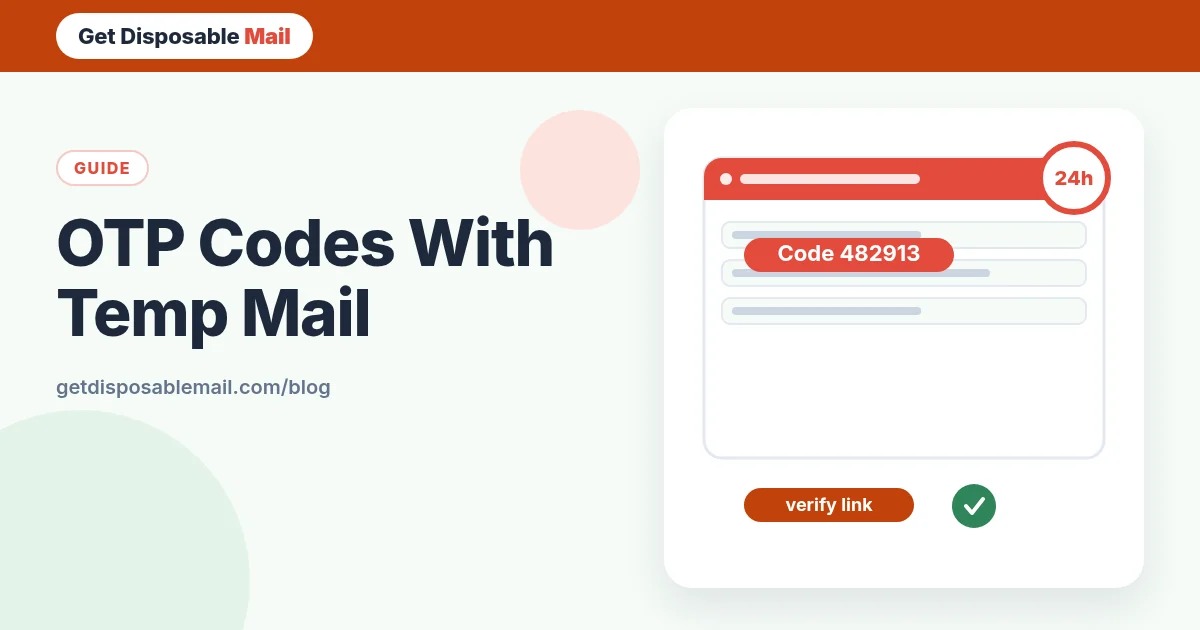
GetDisposableMail scans each incoming message for a likely code or verification link and shows it in a banner at the top of the message, so you can copy or open it without hunting through marketing text. It’s a convenience, not magic: if a sender formats a code oddly, you may still need to read the email.
How a verification email travels
When you press “Send code”, the website hands a message to its email provider. That provider looks up where mail for the domain should go — for our addresses, the MX records for getdisposablemail.com — and delivers it over SMTP. Our mail worker accepts it, stores it for the life of the inbox, and pushes it to your open browser tab over a live connection.
Delays usually happen before the message reaches us. Senders queue mail, throttle bursts, and retry if the first attempt fails. The SMTP standard expects retries to be spread out over time rather than happening instantly, so a temporary hiccup can add minutes. That is one reason we keep inboxes open for 24 hours instead of ten minutes: a late code still has somewhere to land.
Why a code doesn’t arrive
- The site blocks disposable domains. Many services check addresses against public lists of temporary email domains and silently refuse to send. This is the most common cause, and the only fix is to use a different address.
- A typo or a stale address. If you copied an older inbox from another tab, the code went there. Check the address in the form matches the one on screen.
- The sender is slow. Busy services can take a few minutes during peaks.
- The code was sent by SMS instead. Some sites switch to phone verification without saying so clearly.
- You requested several codes. Each new request usually cancels the previous one. Use the newest message.
A reliable routine for receiving OTP codes
- Open the inbox first and leave the tab open. The connection status should read “Live”.
- Copy the address with the Copy button rather than retyping it.
- Request the code once. Wait a full minute before asking again.
- When the message lands, use the highlighted code or link straight away — they often expire in 10–15 minutes.
- If nothing arrives after three or four minutes, press Refresh once. If it’s still empty, assume the site doesn’t accept disposable email.
- Need the inbox on your phone? Press Save to get a private link and QR code that reopen the same inbox until it expires.
Codes that should never go to a disposable inbox
A temporary address is the right place for codes you’ll use once and never need again. It is the wrong place for anything that protects money, identity or access you depend on.
- Bank, card, payment and crypto exchange accounts.
- Government, tax, health and school portals.
- Your main email, phone carrier or password manager.
- Work accounts and anything that holds other people’s data.
- Any account you might need to recover next month.
Staying safe with verification emails
Never share a one-time code with anyone who contacts you asking for it, even if they claim to be from support. Real services don’t ask for codes they sent you. Look at where a link really points before you open it; our inbox shows HTML mail in a sandbox and blocks remote images by default, but the safest link is the one you checked.
If you’re a developer, a temporary inbox is also a quick way to test your own OTP flow end to end — see how long codes take to arrive, how they render, and whether your copy is clear.