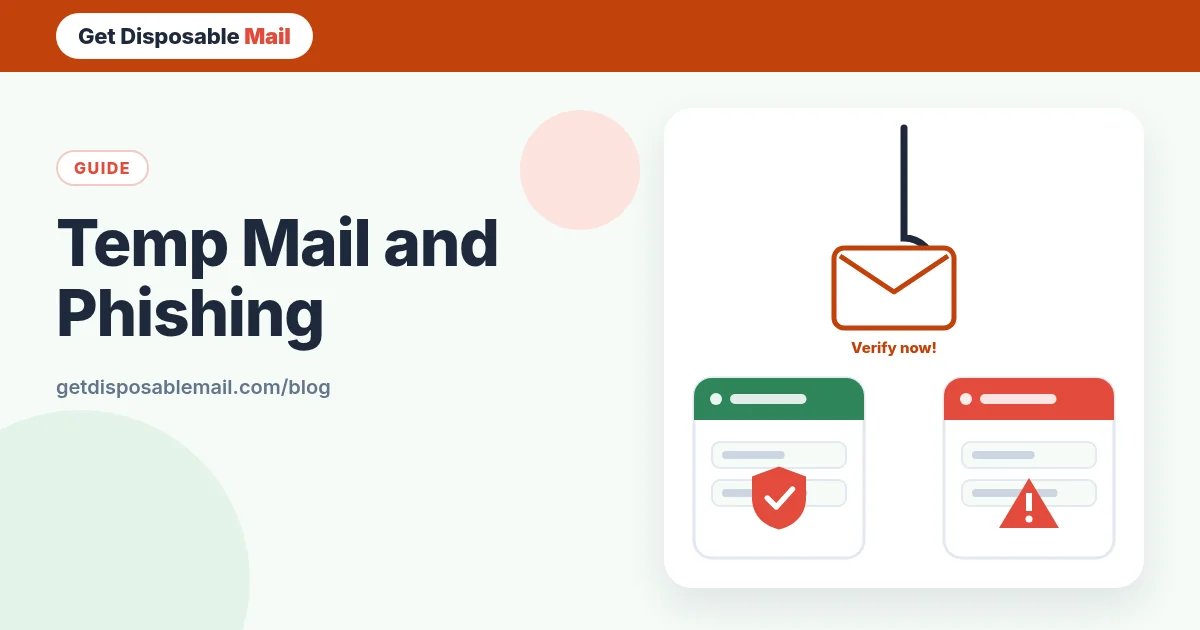
Phishing is still one of the most common ways accounts get taken over: a message pretends to be from someone you trust and gets you to type a password, approve a login or open a file. Security agencies like CISA and the UK’s NCSC publish guidance on it for a reason.
People sometimes assume a temporary email address makes them immune. It doesn’t — but it does change the odds in useful ways. Here’s an honest breakdown.
How a phishing email works
Almost every phishing attempt has the same three parts:
- A believable sender — a bank, a delivery company, a streaming service, your IT department, sometimes a real contact whose account was hacked.
- A reason to act now — a failed payment, a locked account, a parcel on hold, an unusual sign-in, a prize.
- A way to capture something — a link to a lookalike login page, an attachment, a request to reply with a code, or a phone number to call.
Where temporary email genuinely helps
Your main address stays off the lists
Phishers need addresses, and they get many of them from breached databases and traded marketing lists. Every one-off sign-up you do with a temporary address instead of your main one is a database your real inbox will never be part of. Fewer lists means fewer scams aimed at the inbox where your bank and work email live. Our guide to how spammers get your address covers these routes.
Context makes scams easier to spot
If you only ever use a temporary address for throwaway sign-ups, then a message to that address claiming to be from your bank is obviously fake — your bank doesn’t know that address. Separate addresses for separate purposes turn the “To” line into a free scam detector.
Safer viewing by default
GetDisposableMail shows every message in a sandboxed frame with sanitised HTML and remote images blocked, and it rejects many dangerous attachment types. That reduces what simply *opening* a message can do — no tracking pixel confirming you’re real, no scripts running.
Where it doesn’t help
A phish can reach a temp inbox too
Anyone who knows the address can send to it. If you used it to sign up somewhere, that site — or anyone who breaches it — can message it during the inbox’s lifetime. A fake “confirm your email” message is just as dangerous here as anywhere else.
It can’t judge a website
Our inbox highlights the likely verification link in a message so you don’t have to dig for it. That’s a convenience, not a safety verdict. Whether the page behind the link is genuine is something you have to check: look at the real domain in the address bar before typing anything.
It doesn’t protect accounts that use your real email
Phishing aimed at your bank, your employer or your main email provider won’t touch a temporary address at all. Those accounts need their own defences: unique passwords, a password manager that refuses to fill on lookalike sites, and phishing-resistant sign-in such as passkeys where offered.
Spoofed senders: why “From” can lie
The sender name — and sometimes the address — shown in an email can be forged. Email authentication standards (SPF, DKIM and DMARC) let receiving servers check whether a message really came from the domain it claims, and large providers increasingly reject or flag messages that fail. They help a lot, but they don’t stop lookalike domains like paypa1-support.com. Our plain-English explainer on SPF, DKIM and DMARC shows how it works.
A 60-second phishing check
- Were you expecting it? If you didn’t just request a code or link, be suspicious by default.
- Does the address it was sent to make sense? A “bank” writing to your throwaway address is fake.
- Is there pressure? Deadlines, threats and prizes are classic tells.
- Where does the link really go? Hover or long-press. Check the domain carefully, not just the words in the link.
- Is it asking for a code? Never share a one-time code with someone who contacts you. Real support teams don’t ask for codes they sent you.
- Attachment you didn’t expect? Don’t open it. Ask the sender through a channel you already trust.
- Still unsure? Close the email and go to the service directly by typing its address or using its app.
Using temp mail as part of a sensible setup
The safest pattern is a tiered one. Disposable inboxes for one-off sign-ups you’ll never revisit. Aliases for accounts you keep but don’t fully trust. Your real, well-protected address only for money, identity and work. The email privacy checklist walks through which accounts belong where, and is temp mail safe and legal? covers the other risks to keep in mind.
If you think you’ve been phished
- Change the password on the real site straight away, and anywhere you reused it.
- Turn on two-factor authentication, ideally with an authenticator app or passkey.
- Sign out other sessions and review recent activity and recovery settings.
- If payment details were involved, contact your bank or card provider.
- Report the message using your mail provider’s phishing button, and to your national reporting service.
Phishing lures that target sign-ups
Because people who use temporary inboxes are usually in the middle of signing up for something, a few lures are especially common there. Recognising them saves you from the worst mistakes:
- “Verify your email to avoid deactivation” from a service you didn’t sign up for. Ignore it; you have nothing to verify.
- A second “confirmation” email that arrives just after the real one and asks you to log in again on a different domain.
- Prize or reward notices for a contest you just entered, asking for card details to “cover shipping”.
- Fake download links for the e-book or file you requested, pointing to an unrelated domain or an executable file.
- “Security alert” messages that urge you to call a phone number — phone-based scams skip links altogether.
For site owners: protect your users
If you run a service, the most effective things you can do are publish SPF, DKIM and an enforced DMARC policy for your domain, send verification emails from a consistent, recognisable address, never ask users to reply with codes, and keep links in your emails on your own main domain. Users then have a stable pattern to compare against, and a fake stands out.
Frequently asked questions
Does using temp mail protect me from phishing?
Partly. It keeps your main address off lists that phishers buy or steal, so fewer convincing scams reach the inbox that matters. It doesn’t make a phishing email that reaches the temporary inbox any less dangerous — you still need to check senders and links.
Can I get phished in a temporary inbox?
Yes. Anyone who knows the address can send to it. A fake “verify your account” email can land there just as easily as a real one, especially if you used the address on a site that was later abused.
Is it safe to click links in temp mail?
Only links you were expecting, from the site you just signed up to, and only after checking where they point. GetDisposableMail highlights likely verification links and shows mail in a sandbox, but it can’t tell you whether a website is genuine.
What should I do if I entered my password on a phishing page?
Go to the real site directly (type the address yourself) and change the password, then change it anywhere you reused it. Turn on two-factor authentication, check recent account activity, and contact your bank if any payment details were involved.
Where can I report a phishing email?
Use your mail provider’s “Report phishing” button where available. In the US you can also report to CISA or the FTC; in the UK, forward suspicious emails to report@phishing.gov.uk as described by the NCSC.